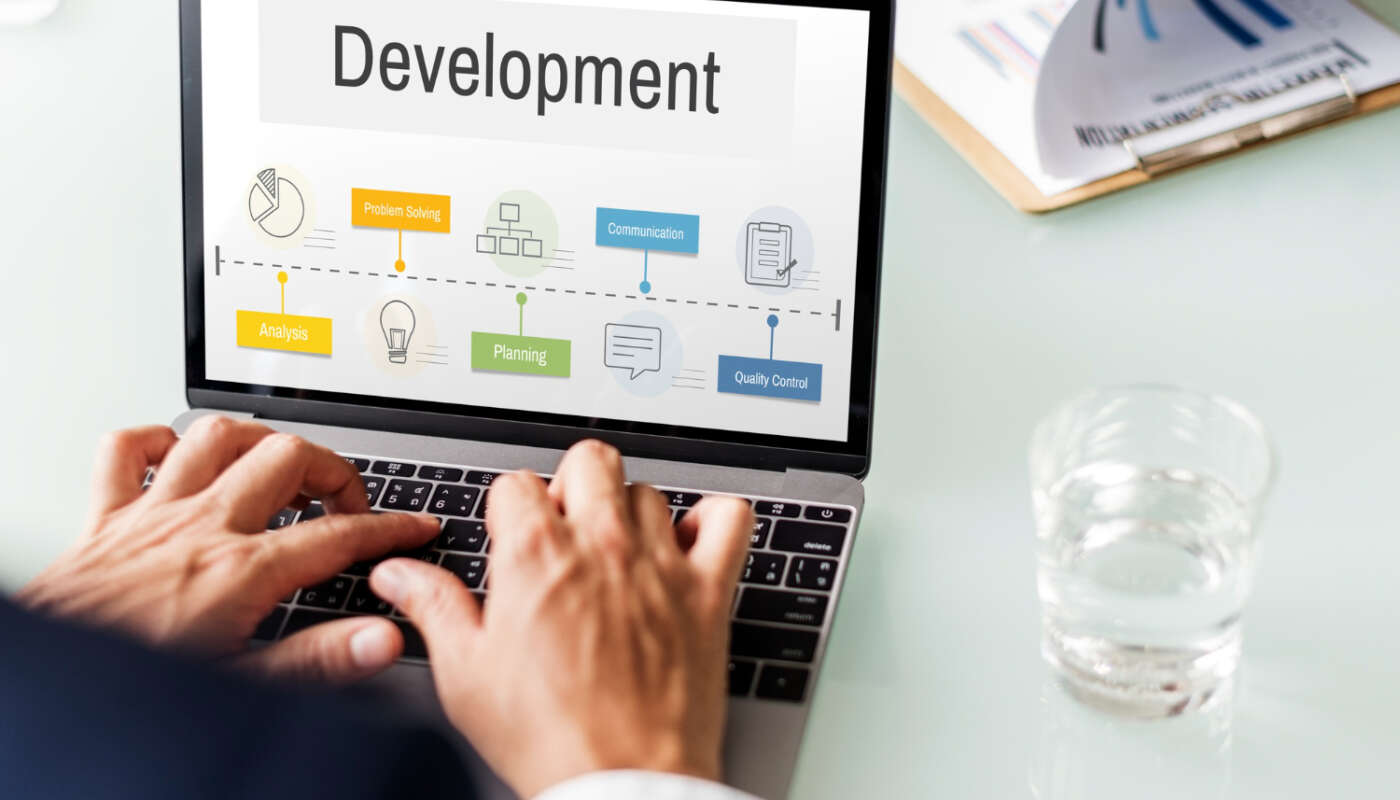
Web design is one of those terms everyone uses but few people can define precisely. Is it the same as building a website? Is it just picking colors and fonts? Here’s a clear, jargon-free breakdown of what web design actually involves and why it plays such a large role in whether a website succeeds.
What Is Web Design?
Web design is the process of planning and shaping how a website looks, feels, and functions from a user’s perspective. It covers layout, color, typography, imagery, and navigation, all aimed at creating an experience that’s both visually appealing and easy to use.
Importantly, web design is not the same as web development. Design focuses on the planning and visual side of a site; development is the technical process of actually building it with code. A designer might create a mockup in a tool like Figma; a developer then turns that mockup into a working website.
The Core Elements of Web Design
Layout
Layout determines where content appears on a page and how much visual weight each element carries. A strong layout guides a visitor’s eye naturally toward the most important information, like a headline, a product, or a call-to-action button.
Color and Branding
Color choices affect mood, readability, and brand recognition. A consistent color palette tied to a business’s branding helps visitors immediately associate a site with a company, and helps important elements (like buttons) stand out clearly.
Typography
Font choices affect both readability and personality. A law firm’s site and a children’s toy store’s site should feel entirely different, and typography plays a large role in setting that tone.
Navigation
Good navigation lets visitors find what they need without frustration. This includes menus, internal links, search functionality, and a logical page hierarchy.
Imagery and Visual Content
Photos, illustrations, and icons help communicate information quickly and make a site feel polished rather than sparse or generic.
Responsive Design
A well-designed site adjusts cleanly across screen sizes, from a large desktop monitor to a small phone screen, without breaking layouts or requiring awkward zooming and scrolling.
User Experience (UX) vs. Visual Design
Web design often gets split into two closely related areas. Visual design (sometimes called UI, or user interface, design) covers how a site looks: colors, fonts, spacing, and imagery. User experience (UX) design focuses on how a site works from a visitor’s perspective: how intuitive it is to navigate, how quickly someone can accomplish a task, and how the overall experience feels.
The two work together. A visually stunning site with confusing navigation will frustrate visitors just as much as a well-organized site that looks unpolished. Strong web design balances both.
The Web Design Process
1. Discovery and Planning
Before any visual work begins, a good designer learns about the business: its goals, target audience, competitors, and what the site needs to accomplish (generate leads, sell products, share information).
2. Wireframing
Wireframes are simple, low-detail sketches that map out where content and features will go on each page, without worrying about colors or final visuals yet.
3. Visual Design and Mockups
Once the layout is approved, the designer applies branding, colors, typography, and imagery to create a polished visual mockup of what the finished site will look like.
4. Handoff to Development
The approved design gets handed to developers, who build the actual functioning website based on those mockups.
5. Testing and Refinement
Even after launch, good web design is often refined based on real user behavior, like which pages get the most engagement or where visitors tend to drop off.
Common Web Design Tools
- Figma — widely used for creating wireframes and interactive mockups
- Adobe XD and Photoshop — used for visual design and image editing
- Canva — a more accessible option for simpler design tasks
- WordPress page builders — allow designers to implement layouts directly without writing code
Why Good Web Design Matters for Your Business
Design isn’t just aesthetics, it directly affects business outcomes. Visitors form an opinion about credibility within seconds of landing on a page. Confusing navigation drives people away before they see what you offer. Inconsistent branding makes a business feel less trustworthy. A thoughtfully designed website, on the other hand, builds trust quickly and makes it easier for visitors to take the action you want, whether that’s calling, booking, or buying.
Signs a Website Needs a Design Refresh
Design isn’t a one-time decision. A few signals suggest it’s time to revisit a site’s design rather than its underlying technology: the site still functions fine, but looks noticeably dated compared to competitors; visitors bounce quickly even though the content itself is solid; the branding feels inconsistent from page to page; or the layout hasn’t been updated since mobile browsing became the majority of traffic. In these cases, a design refresh, rather than a full rebuild, is often the more cost-effective fix.
Frequently Asked Questions
Do I need a professional designer, or can I use a template?
Templates can work well for straightforward business sites on a limited budget. A professional designer becomes more valuable when a business needs a distinctive brand presence, a more complex user experience, or a site that stands apart from competitors using similar templates.
How is web design different from graphic design?
Graphic design typically covers static visual materials like logos, print materials, or social graphics. Web design specifically addresses how those visual principles apply to an interactive, navigable website, including layout, usability, and responsiveness.
How long does a web design project usually take?
It varies by scope, but a straightforward small business website design typically takes a few weeks from initial discovery through final mockup approval, before development even begins.
Good web design sets the foundation for everything else your website needs to accomplish. Getting it right early on makes every other part of your online presence, from SEO to conversions, considerably easier to build on.